

Admin guide · Organization
Audit log
Every configuration change across the admin surfaces is recorded — who did what, to which resource, and whether it succeeded. Review it at Admin → Audit Log.
Browsing & filtering
Filter by actor email, resource, action, outcome and actor type; open View on a row for the full before/after detail.
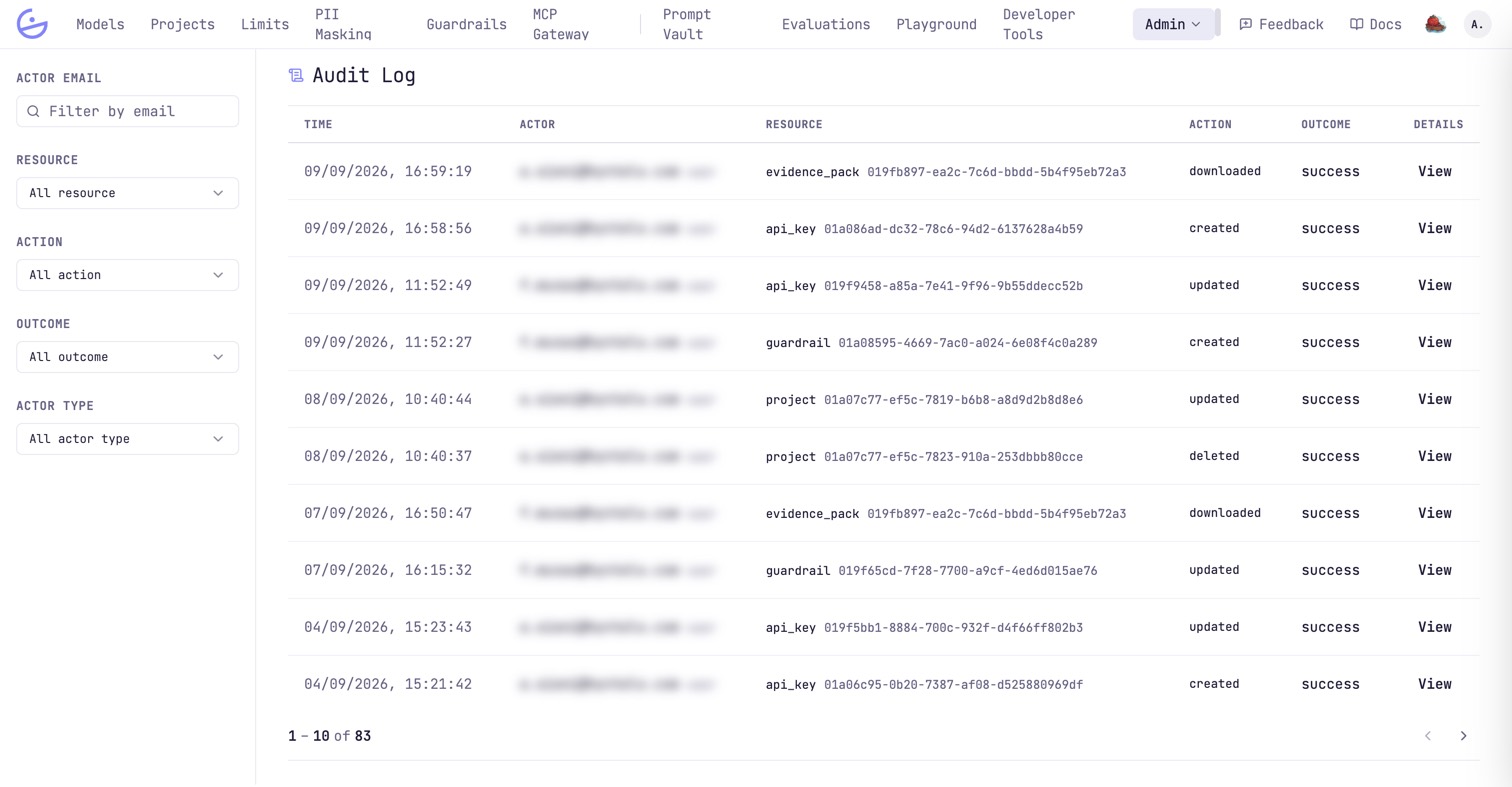
Rows cover keys, projects, teams, members, guardrails and every other admin resource — e.g. api_key created, project deleted, member updated, guardrail updated — each with its resource id and outcome. Payload downloads are recorded too, as downloaded.
Integrity guarantees
The audit log is designed to be trusted more than any individual admin.
note · Tamper-evident by design
The log is append-only and cannot be edited or deleted from the UI — the restriction is enforced at the database level. That makes it the source of truth for “who changed this key / project / guardrail”.