

Admin guide · Organization
Teams
A team is a named group of people and nothing else. It owns no keys, no models and no budget — its only purpose is to be handed a role on a project as a block, so that joining the team is what grants access. Manage them under Admin → Teams.
The teams list
Every team with its size and how many projects it has been given a role on.
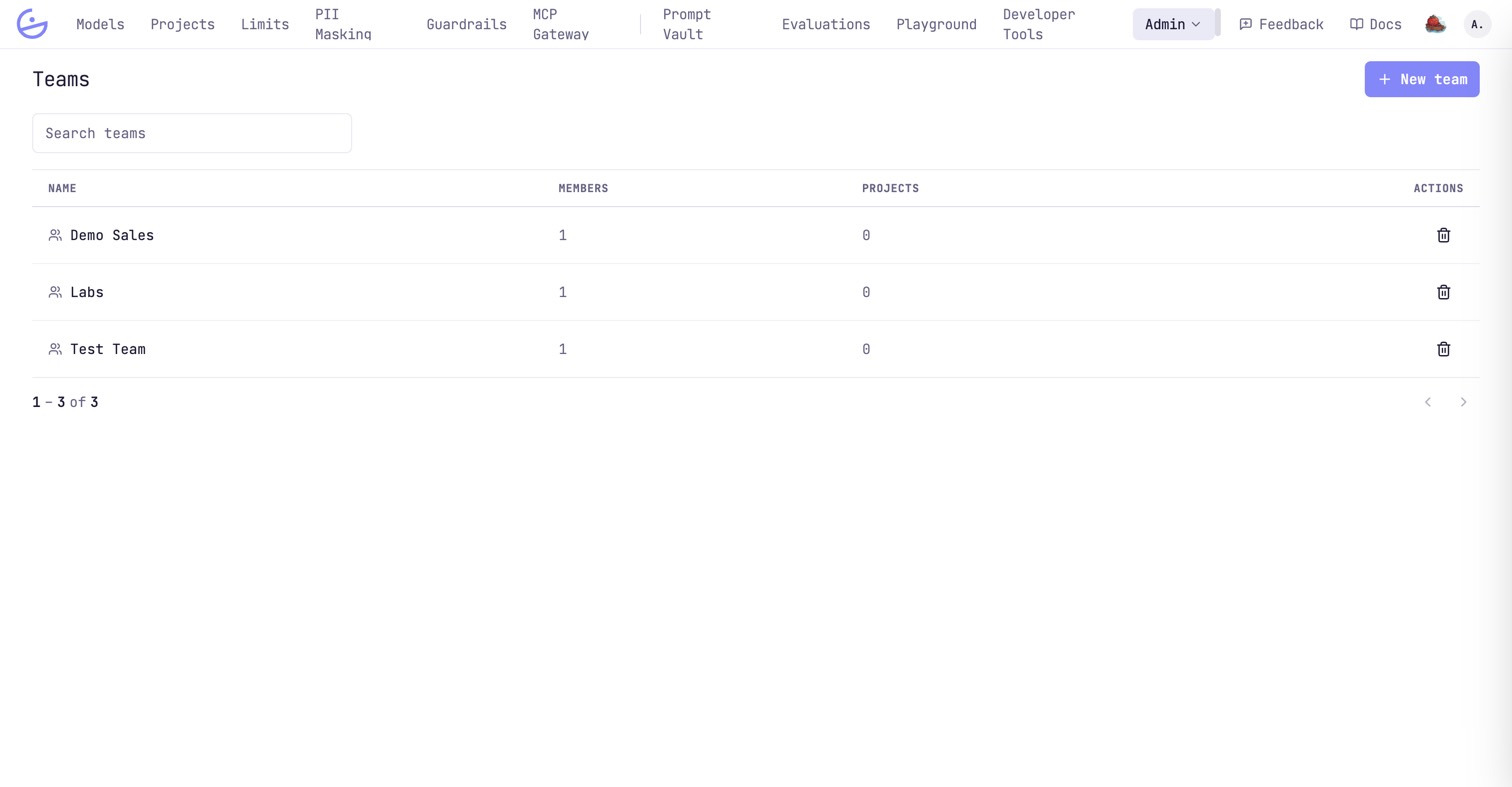
New team only asks for a name; you add people afterwards. Deleting a team removes it from every project roster it was on — the people stay in the organization and keep any access they hold by other routes.
Renaming and membership
Opening a team gives you its name and its roster. That is the whole surface.
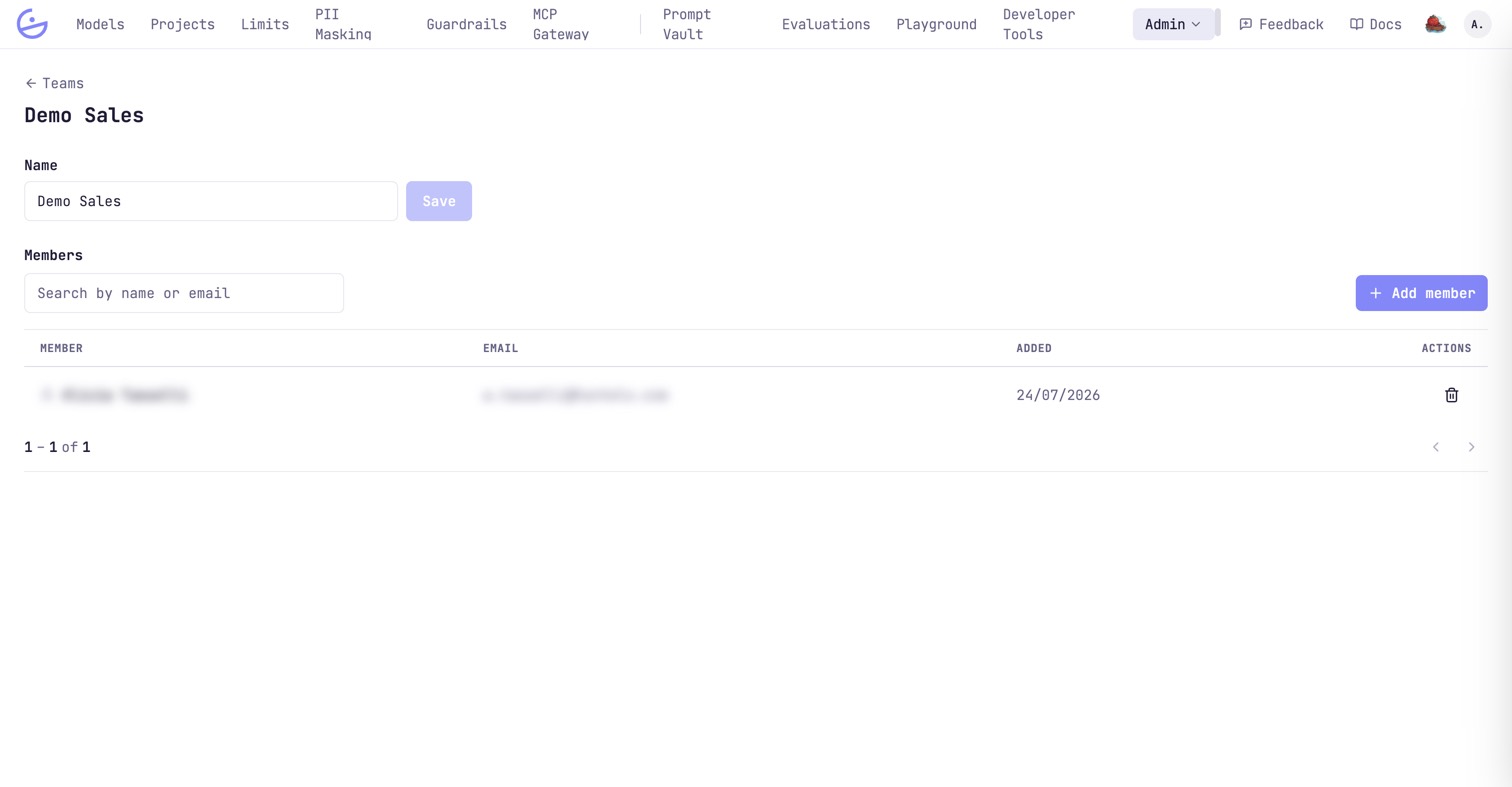
People are added from the organization roster, so someone has to exist as a user before they can join a team. Adding them here grants, immediately, every project role the team holds; removing them takes those away again, and nothing else.
note · Teams carry no role of their own
Why a team can show 0 projects and still appear on one
The two surfaces count different things, on purpose.
- Projects on this page counts the rosters the team was added to as a team. It is the access the team grants.
- The team badges on the Projects list are wider: they also include the teams of the individual people on the roster. They answer “who works on this?”, not “who granted it?”.
warning · A badge is not access
When to use a team
Teams are a convenience, not a security boundary — the boundary is the project role.
Reach for a team when the same group needs the same role on something more than once, and the group changes more often than the projects do — an on-call rotation, a squad, a partner agency. One person who needs one project is faster to add directly.
tip · Overlaps resolve predictably