

Admin guide · Organization
Users & roles
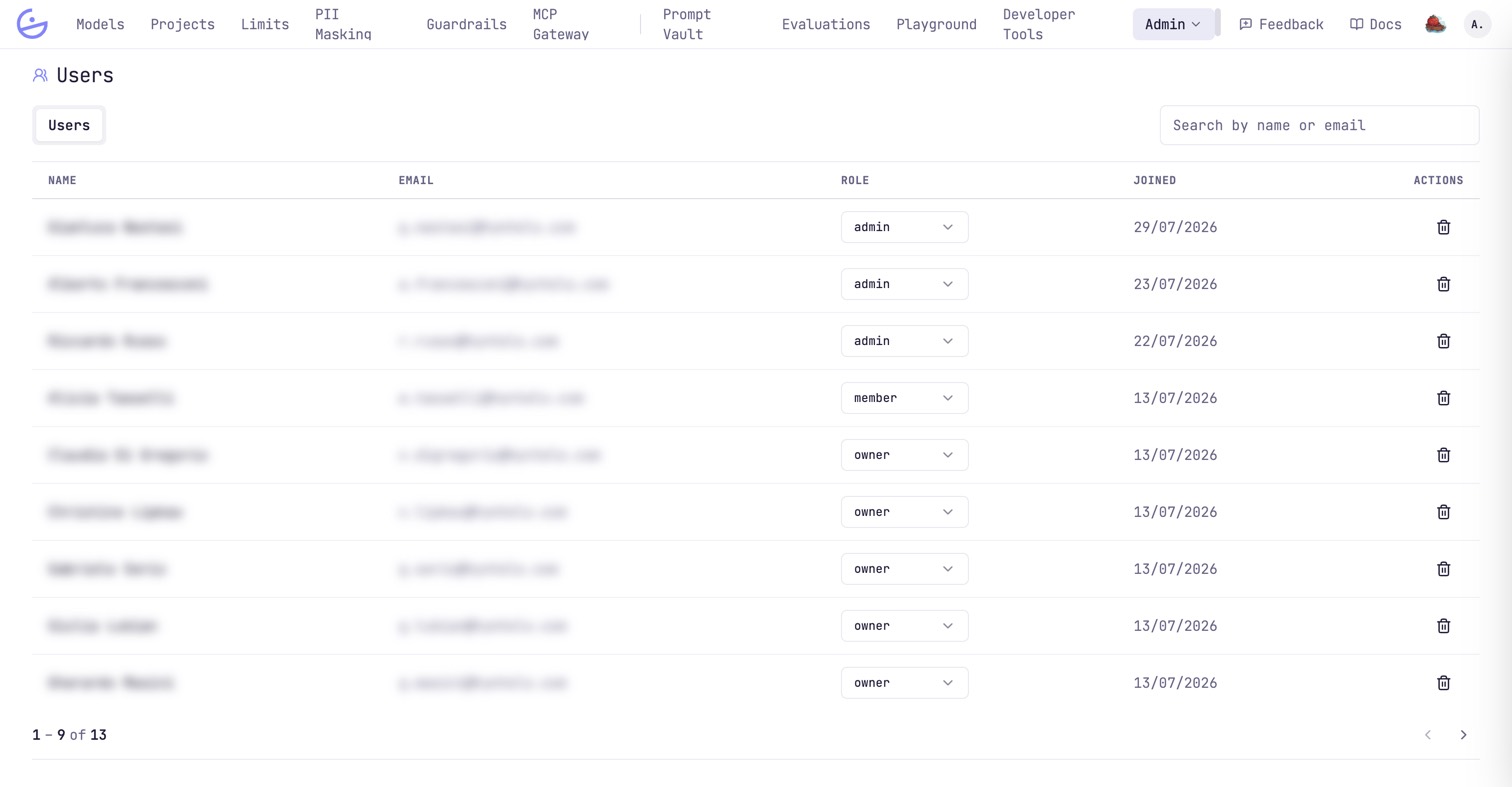
The organization roster lives at Admin → Users. Set each person's organization role from the inline dropdown, search by name or email, or remove a user.
The roster
One row per account, with the org role editable inline.
Organization roles
The org role controls access to admin surfaces; what someone sees inside a single project is governed separately by project roles.
| Field | Type | Description |
|---|---|---|
| owner | org role | Full control, including organization settings and other people's roles. |
| admin | org role | Manage projects, models, keys, limits, guardrails and the Admin menu surfaces. Acts as project admin on every project without being a member. |
| member | org role | Scoped to the projects they are on the roster of, with per-project capabilities set by their project role — granted to them personally or through a team. |
note · One user, one organization
Each account belongs to exactly one organization, keyed by the login subdomain. To operate in another org you sign up again there. A platform
system_admin bypasses these checks for support.