

Admin guide · Platform
Evaluations
Score Prompt Vault versions against test datasets. The Evaluations page has four tabs: Datasets, Evaluators, Runs and Schedules.
Datasets
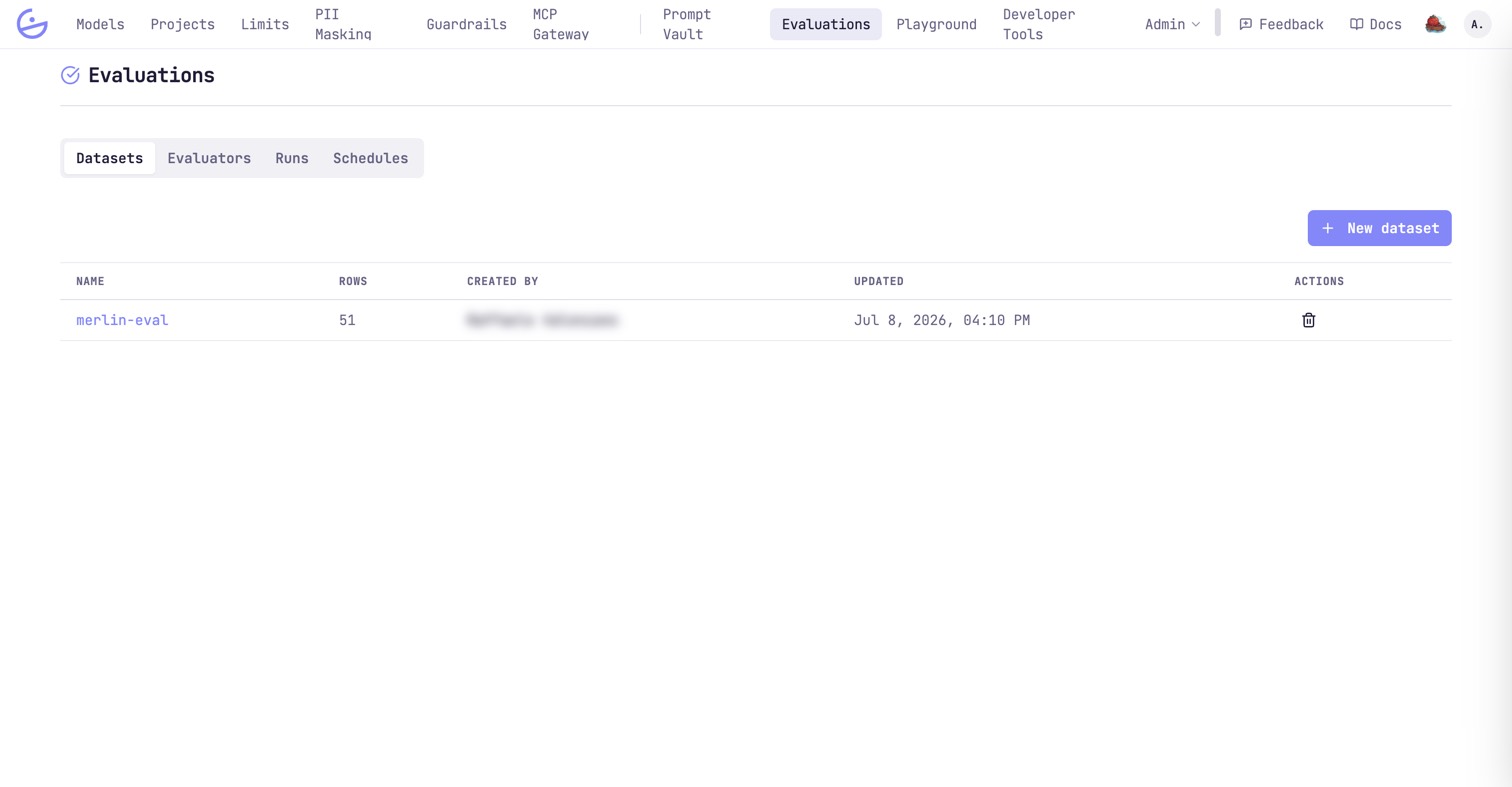
The test cases a run is scored over. Each dataset is a named set of rows; the list shows its size, who created it and when it last changed.
Runs
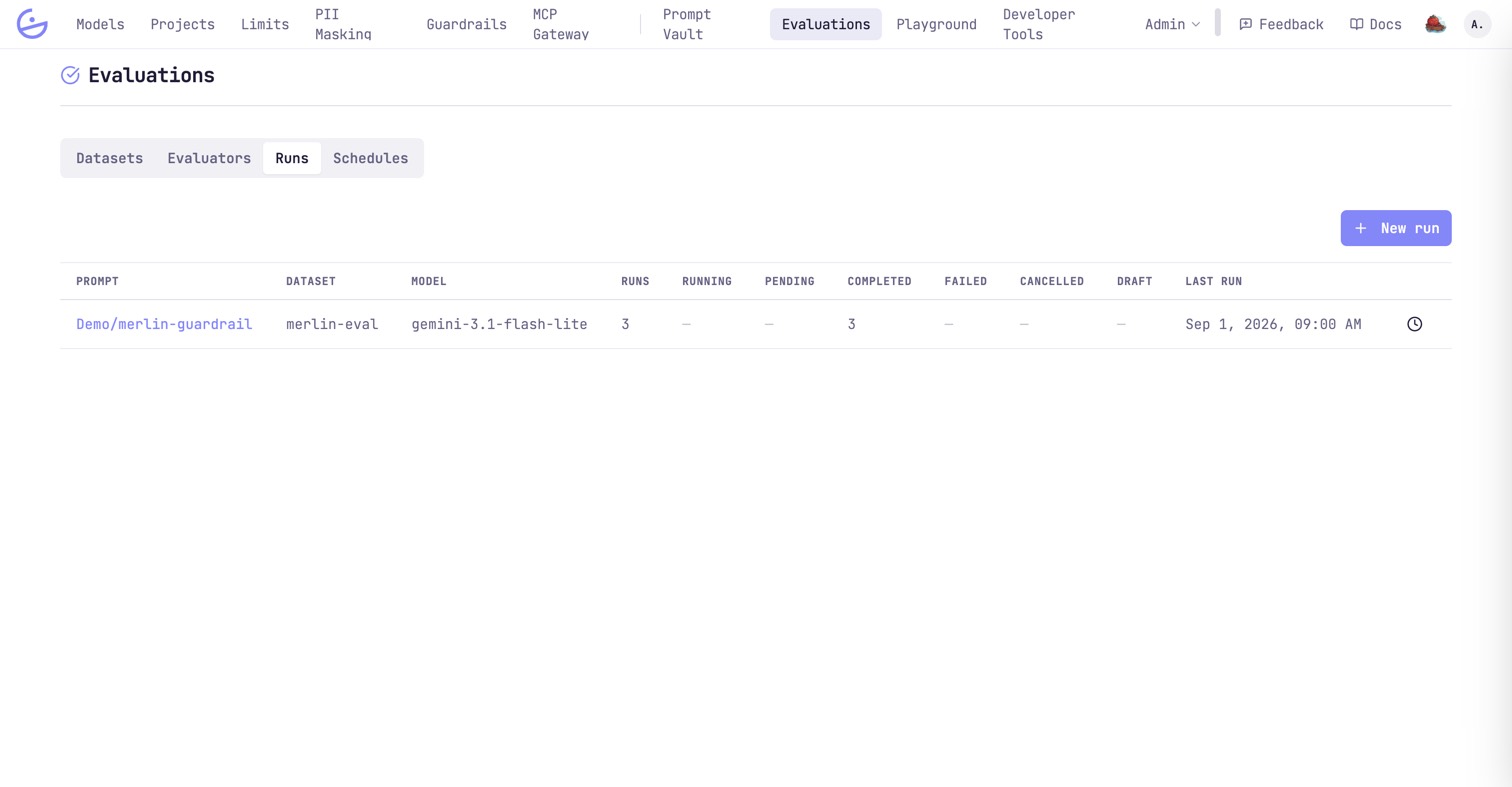
Each run executes a prompt version over a dataset with a chosen model, tracking running / pending / completed / failed counts. Start one with New run.
Evaluators
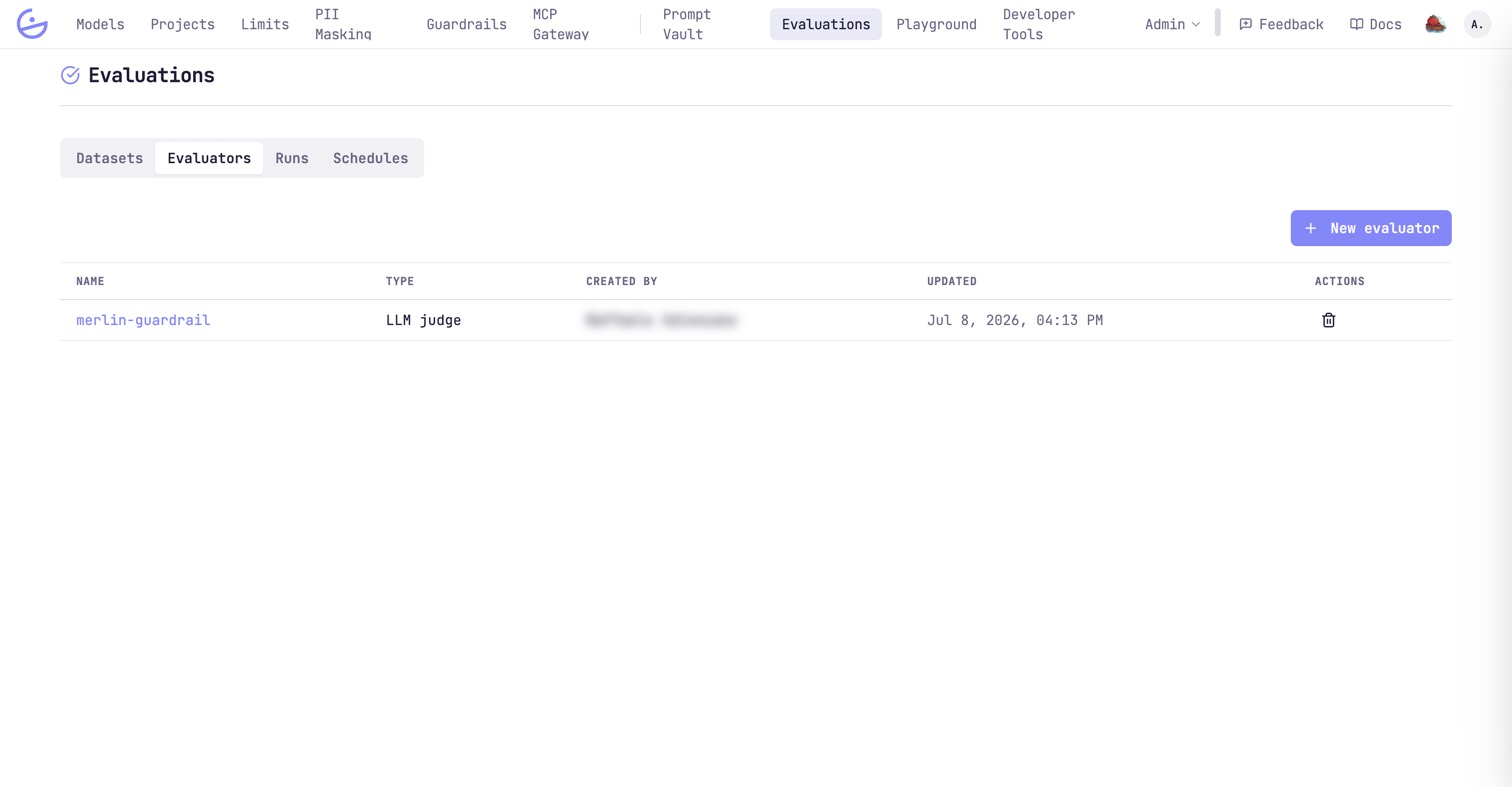
The scorers applied to each output: exact match, fuzzy match, or an LLM judge with its own prompt.
Schedules
Run an evaluation automatically on a cadence — e.g. a nightly accuracy check.
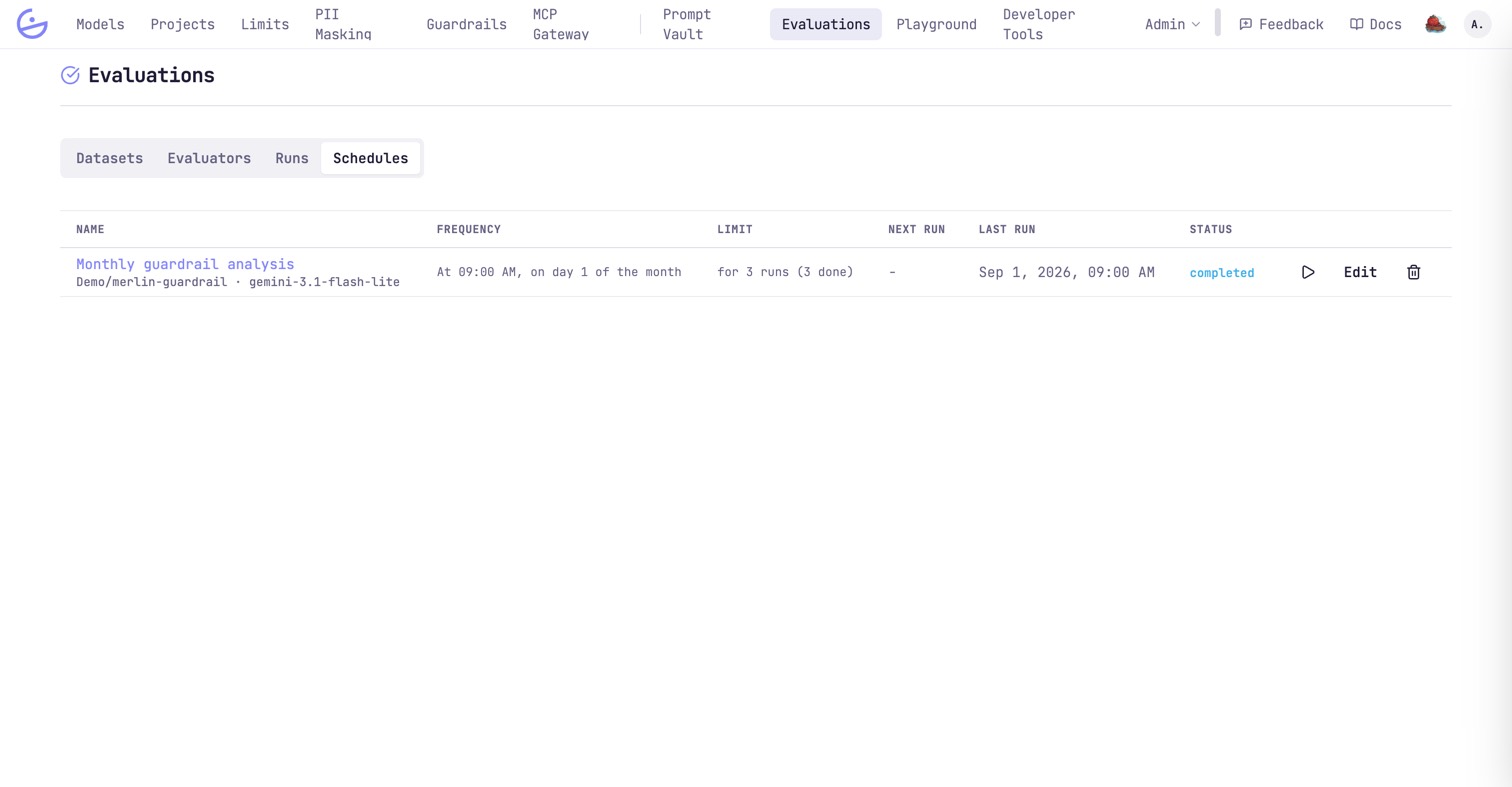
- Frequency — every N day(s)/…, at a given time; the form previews the UTC cron and the next five firings in your timezone.
- Stop condition — never, after N runs, or until a date.
Enabling the feature (admin)
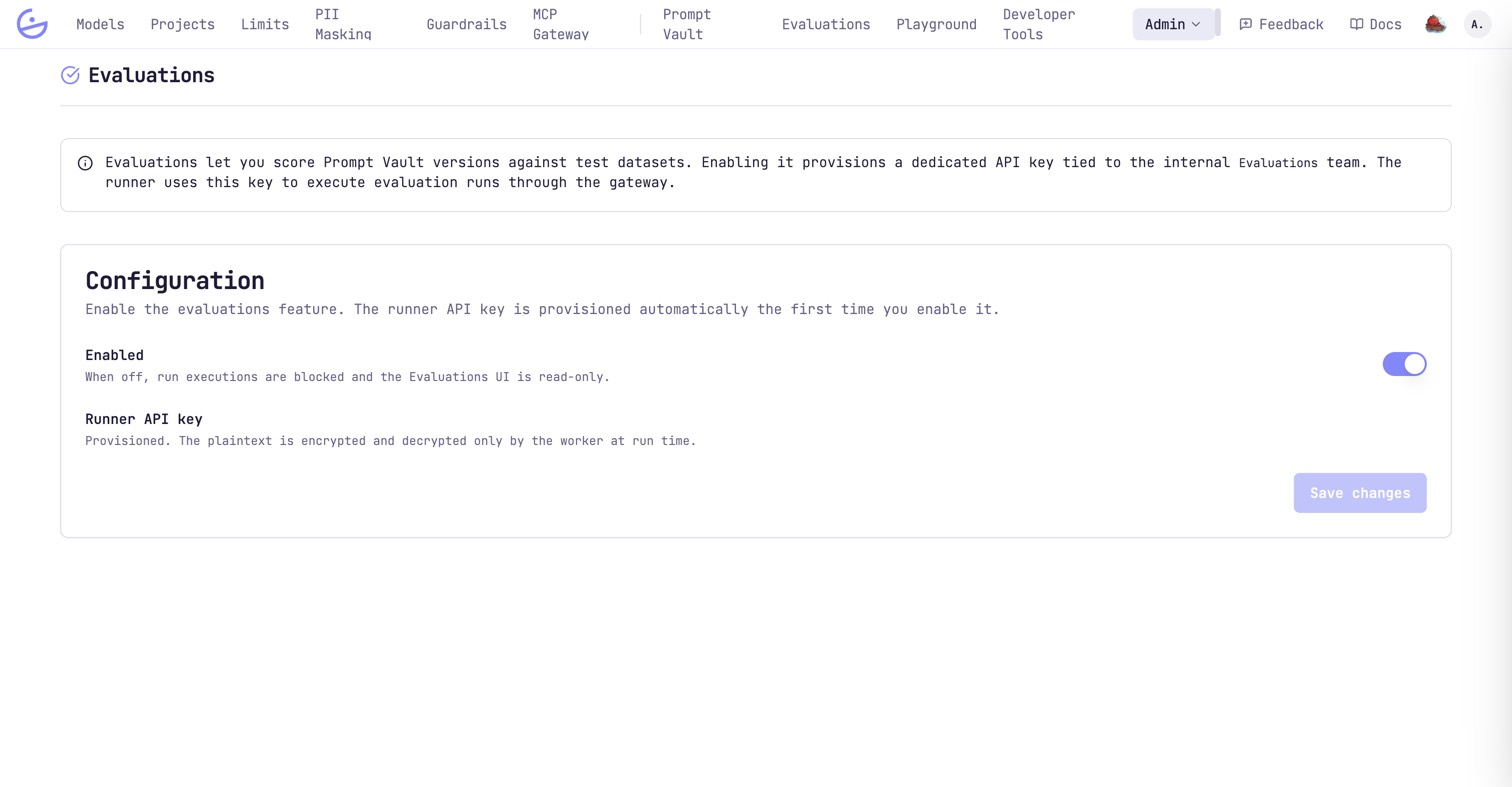
Evaluations must be switched on once per organization, under Admin → Evaluations.
note · The runner key
Enabling provisions a dedicated runner API key on the internal
Evaluations project (encrypted, decrypted only by the worker at run time) — runs execute through the gateway like any other traffic. When off, run executions are blocked and the Evaluations UI is read-only.