

Admin guide · Platform
Projects
A project is the unit the platform is organised around: it owns API keys, decides which models those keys may reach, collects the traffic they produce, and carries the roster of people allowed to see any of it. Manage them under Projects.
The projects list
One row per project, with the teams working on it and how many API keys it holds. The left rail filters by team and sorts by name or creation date.
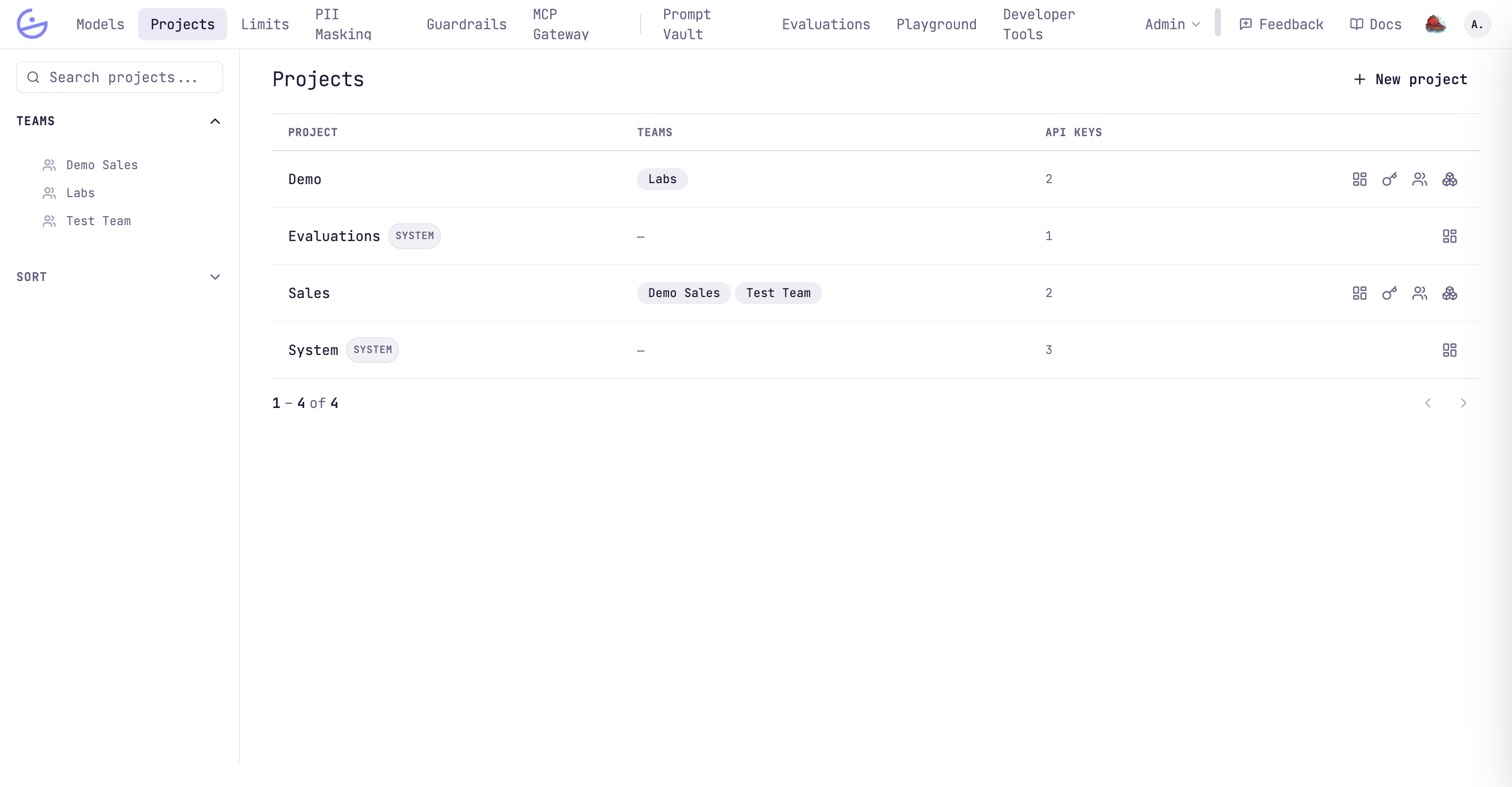
Clicking a row opens the project's traces — the requests it actually made. The four icons on the right jump straight to a tab of the project instead: Overview, API keys, Members, Model access. You only see the icons for the tabs your role on that project allows.
note · System projects are read-only
SYSTEM (e.g. System, Evaluations) are managed by the platform — they hold the internal Playground, Mato, EU AI Act and evaluations keys. They expose only the Overview tab, cannot be edited or deleted, and have no browsable roster. Their spend is shown so it stays visible.Creating a project
New project asks for two things: a name, and whether its keys may call every model.
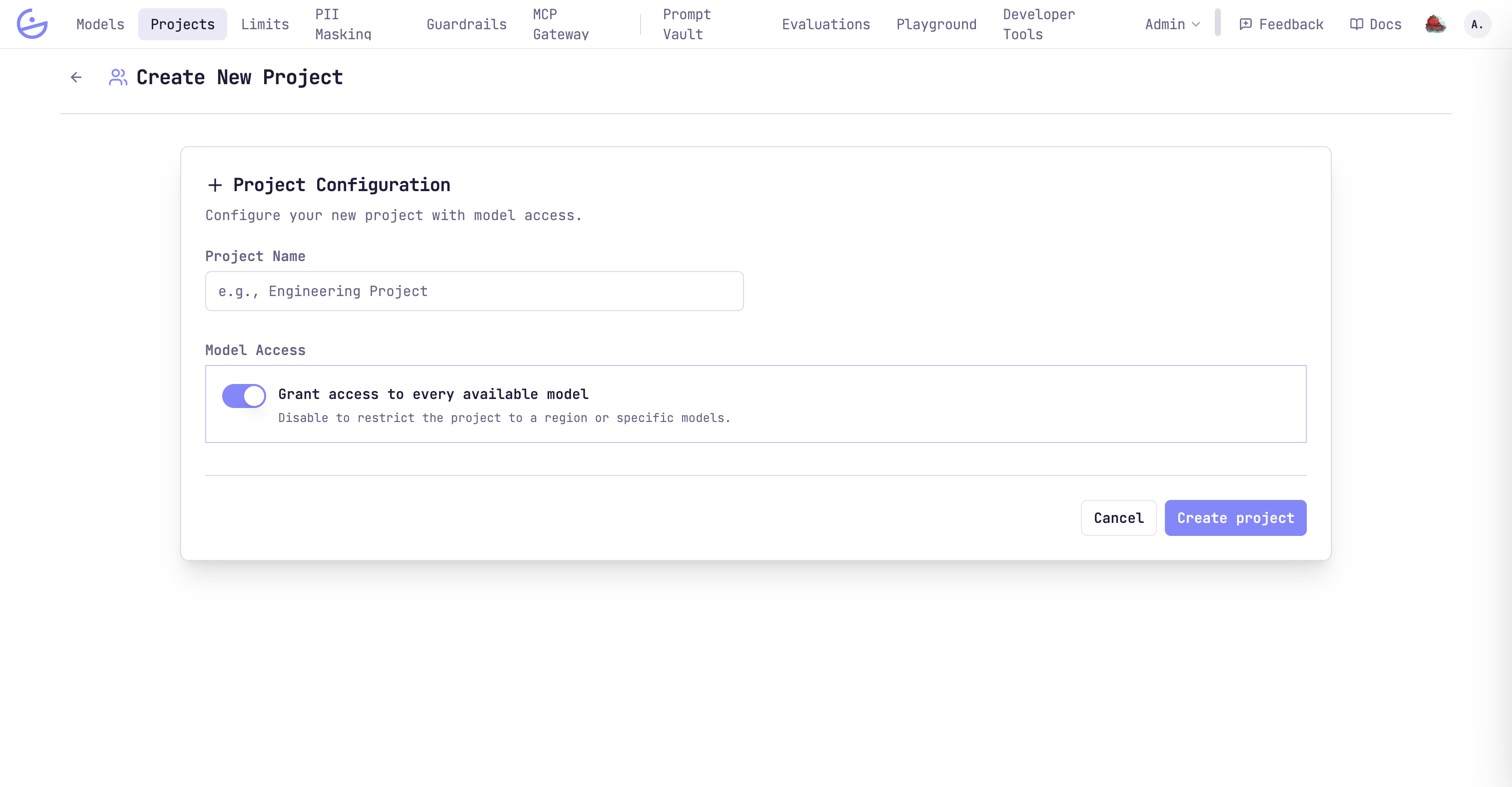
Both are changeable afterwards, so the fast path is to accept Grant access to every available model and narrow it later from the Model access tab. Members and keys are added from the project once it exists.
Project detail
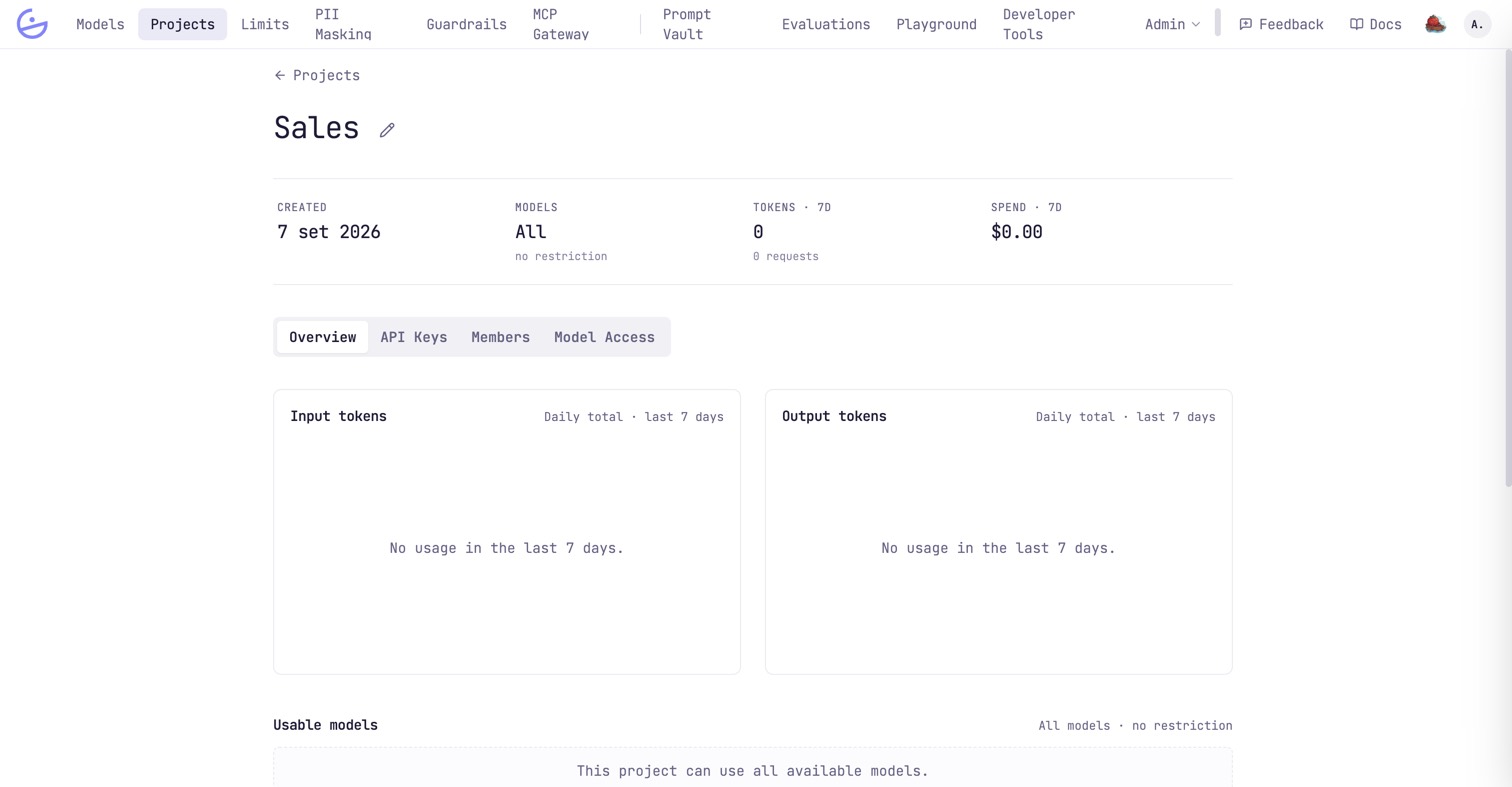
A fixed header — created date, model access, and 7-day tokens and spend — over four tabs.
| Field | Type | Description |
|---|---|---|
| Overview | read | Daily input and output tokens over the last 7 days, and Usable models — the exact catalog this project's keys can call. |
| API Keys | read · manage_keys | The project's keys with environment, last use and 7-day tokens. See API keys. |
| Members | read · manage_members | Who works on the project — people and whole teams — and the project role each one holds. |
| Model Access | manage_project | The allow-list itself: every model, one region, or a hand-picked set. |
The pencil next to the project name renames it. Below the tabs sits a Danger zone with Delete project.
warning · Deleting a project cannot be undone
Model access
The project's allow-list. Every key it issues is bound by it, and a key can only narrow it further — never widen it.
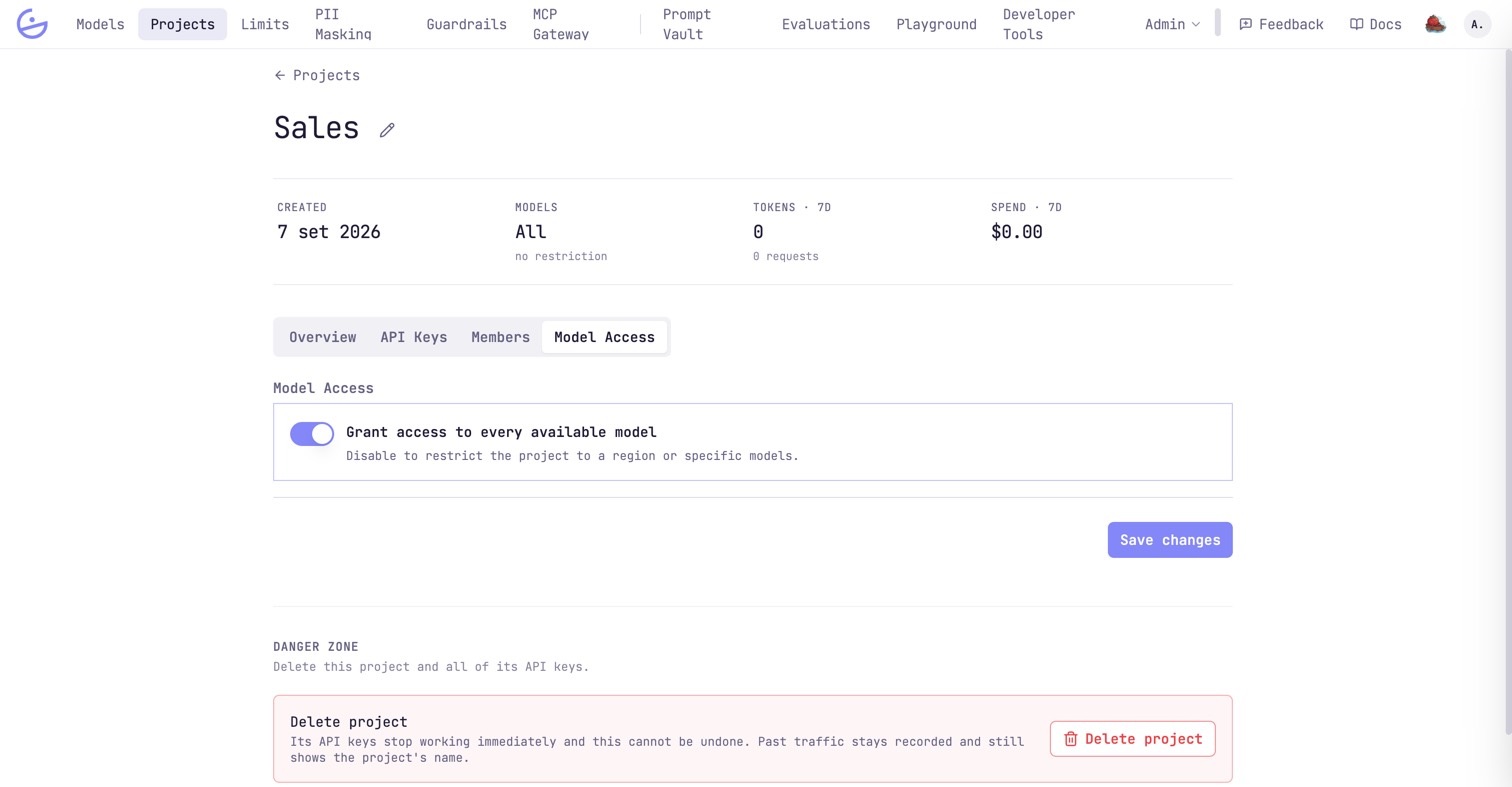
- Every available model — the default. The project follows the catalog: models added later are usable immediately, with no edit here.
- One region — a bulk shortcut. Useful when the constraint is where the data may go rather than which model answers.
- Specific models — an explicit list. The safest and the most maintenance: a new model in the catalog is not reachable until you add it.
note · Two gates, not one
/v1/models answers with the intersection — only what the calling key can actually reach.Members & project roles
The roster answers one question: who may see this project, and how much may they do. It holds people and whole teams side by side.
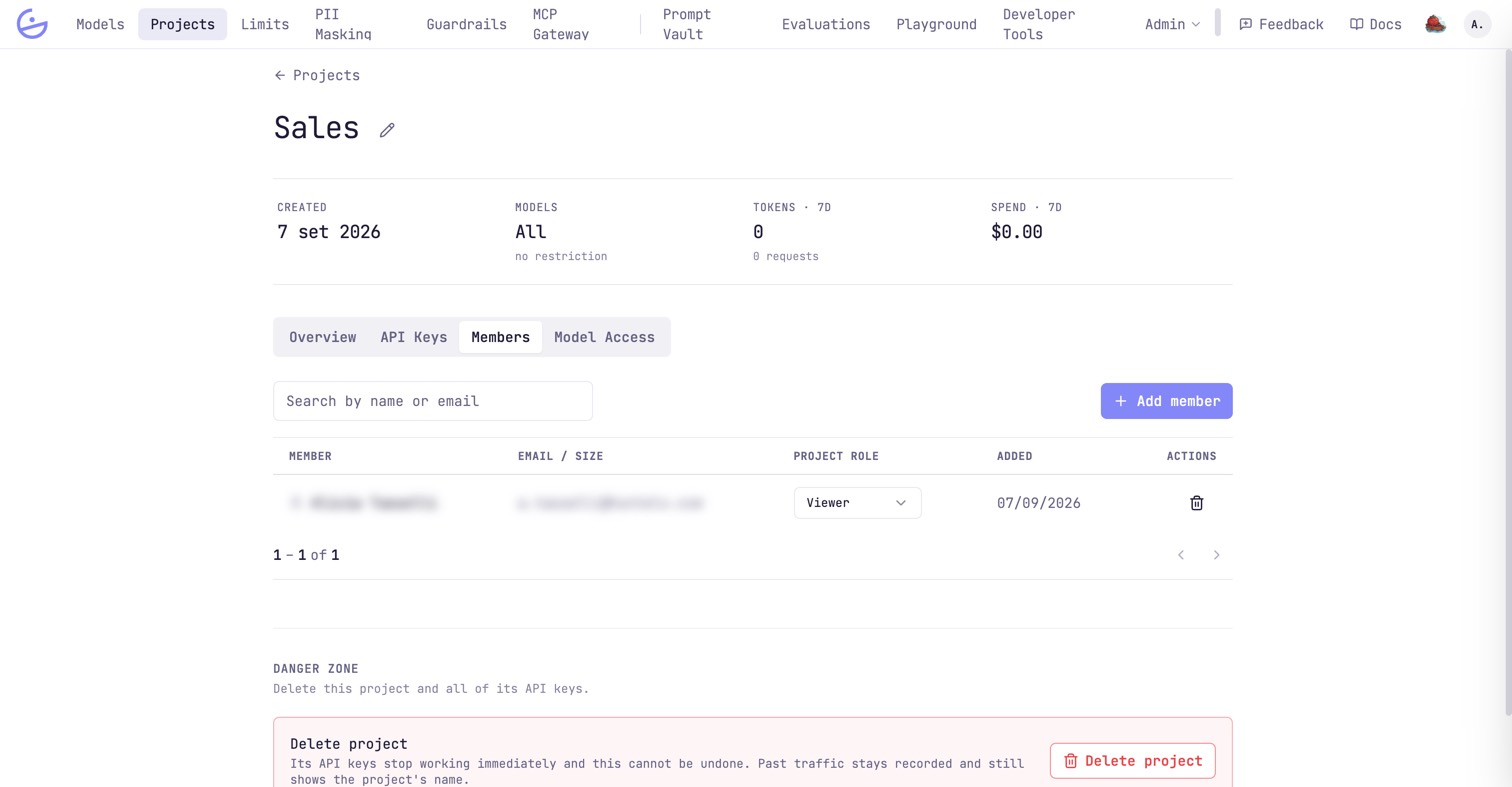
Add member opens a dialog with two tabs: Person attaches a single organization user, Team attaches a team and everyone currently in it, with the same role. That is what a team is for: it saves you from re-granting the project to each new hire.
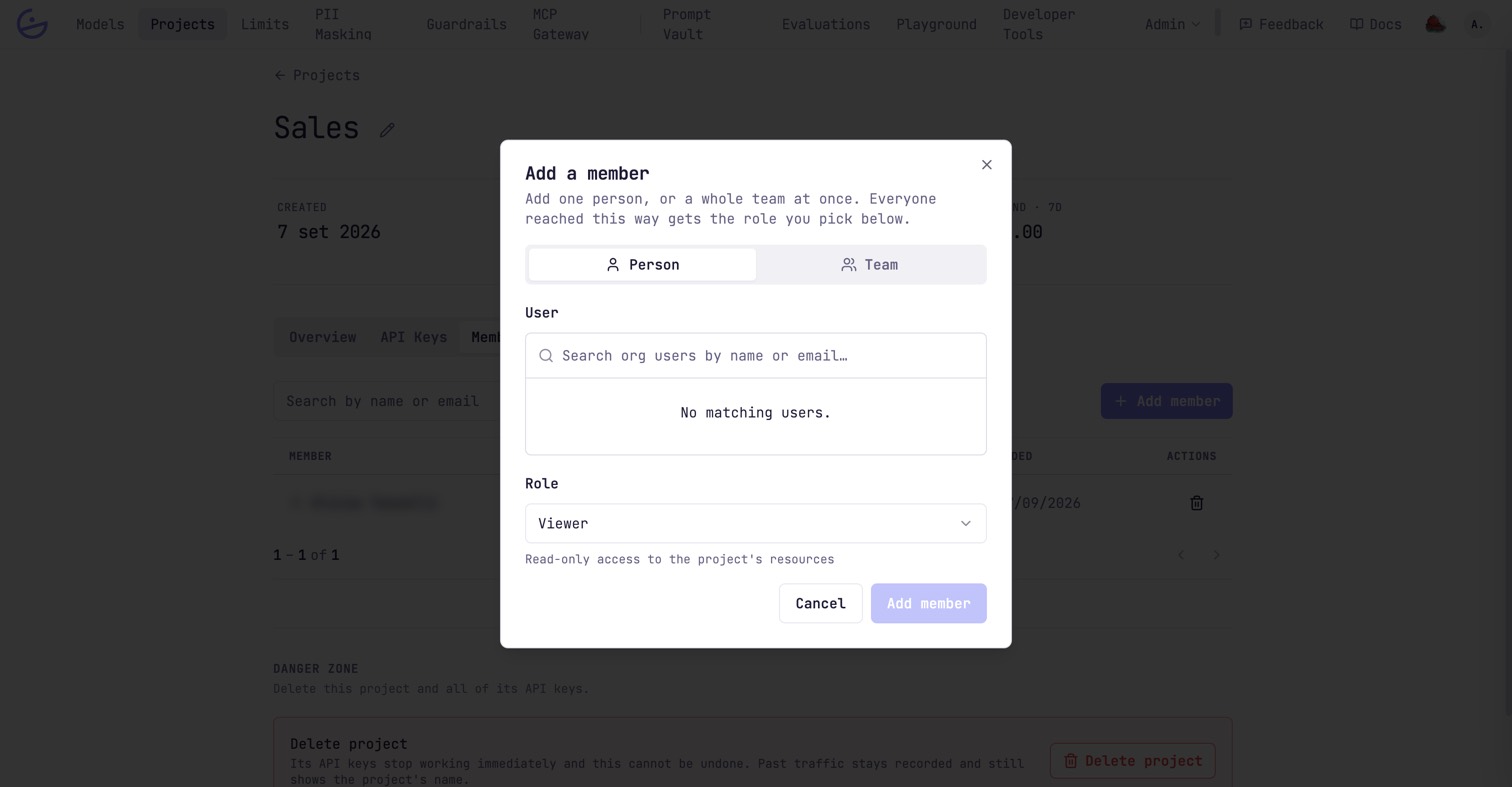
| Field | Type | Description |
|---|---|---|
| Viewer | project_viewer | Read-only: view the project, its API keys, models, members and traces. |
| Editor | project_editor | Everything Viewer can, plus manage the project's API keys (create, rotate, delete). Cannot change the project itself or its roster. |
| Admin | project_admin | Everything: edit the project's settings and model access, manage members and their roles, and delete the project. |
note · When someone arrives by two routes
note · Org owner / admin bypass project roles
owner and admin act as project admin on every project without being members. A plain member only sees the projects they belong to — so the roster is also what scopes monitoring and traces for non-admins.tip · Removing an entry removes a route, not a person
Traces
Every request made with the project's keys, listed with latency and cost. This is where an aggregate on the dashboard turns into the individual call that produced it.
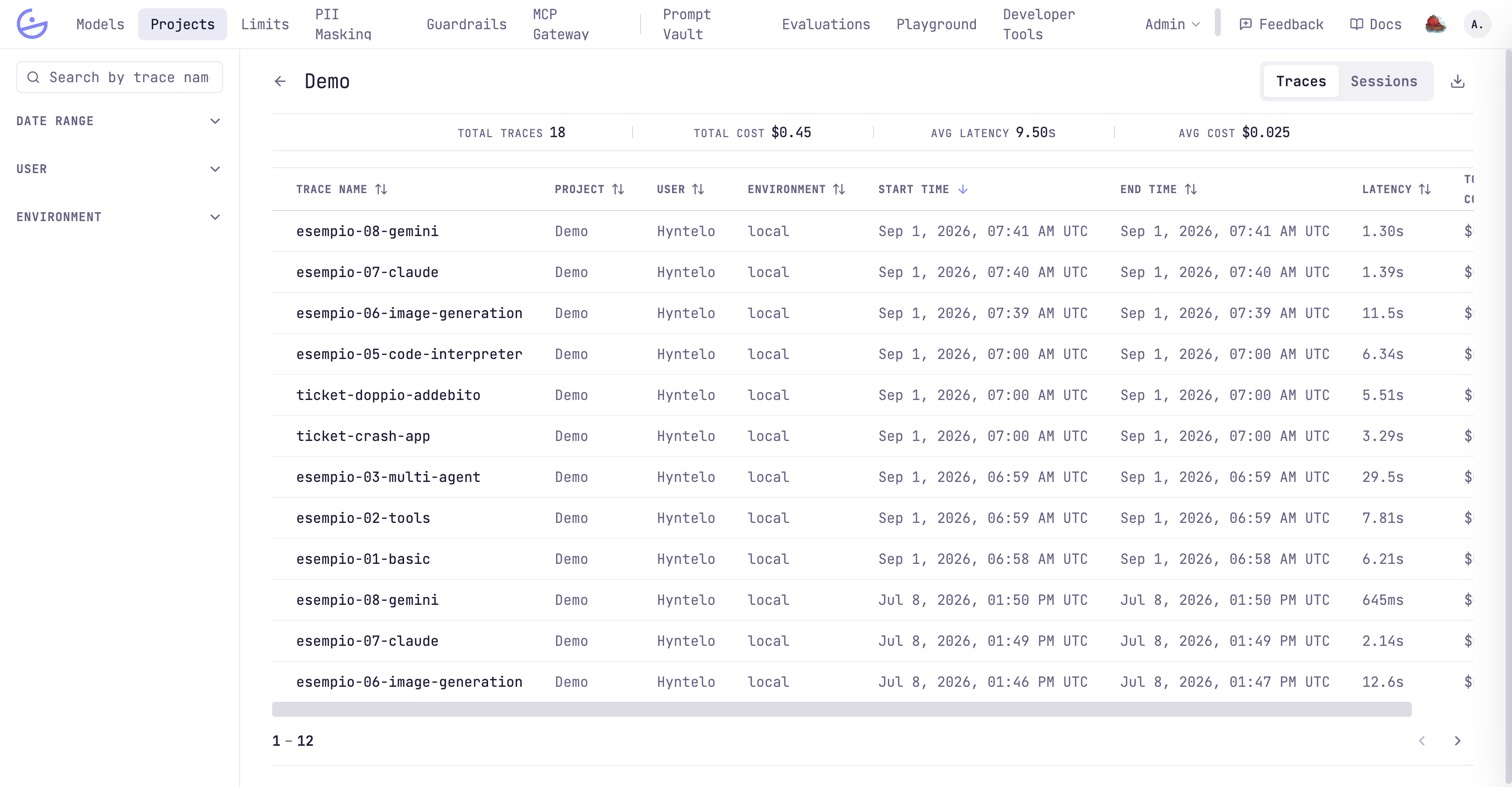
The header counts traces, total and average cost and average latency for the current filter. Sessions regroups the same traffic by conversation instead of by request, and the download icon exports it.
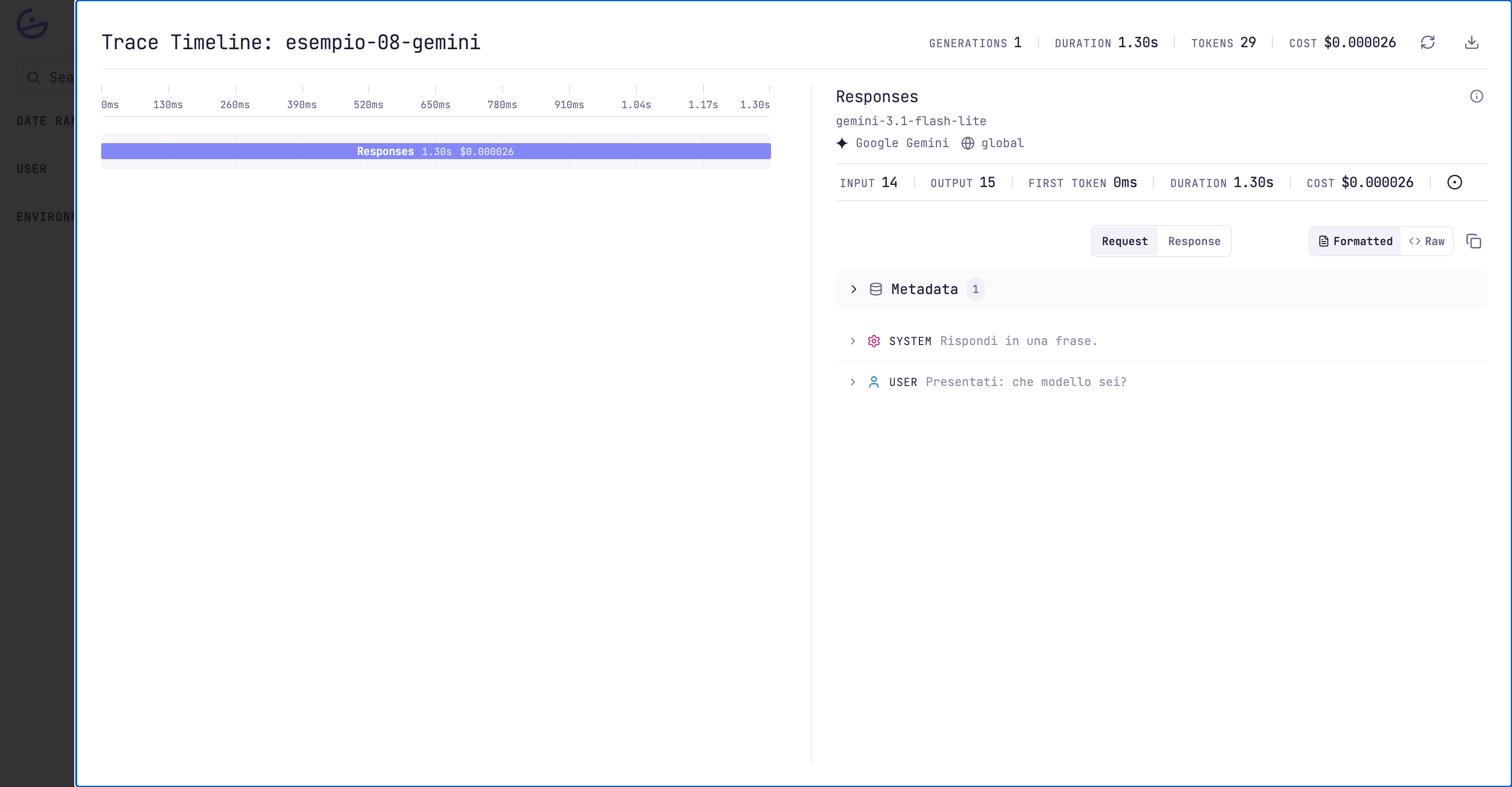
tip · Make traces readable from code
esempio-08-gemini are not automatic: clients set them with trace_id, session_id and friends — see the developer page Monitoring & traces. Without them you get one unnamed trace per request.